Telegram APK
v13.6.01
Telegram FZ-LLC
Telegram APK is a free, cloud-based messenger for sending messages, photos, videos and files of any type quickly and securely
- Version
- v13.6.01
- Size
- 119.3 MB
- Requires
- Android 4.4 and up
Screenshots
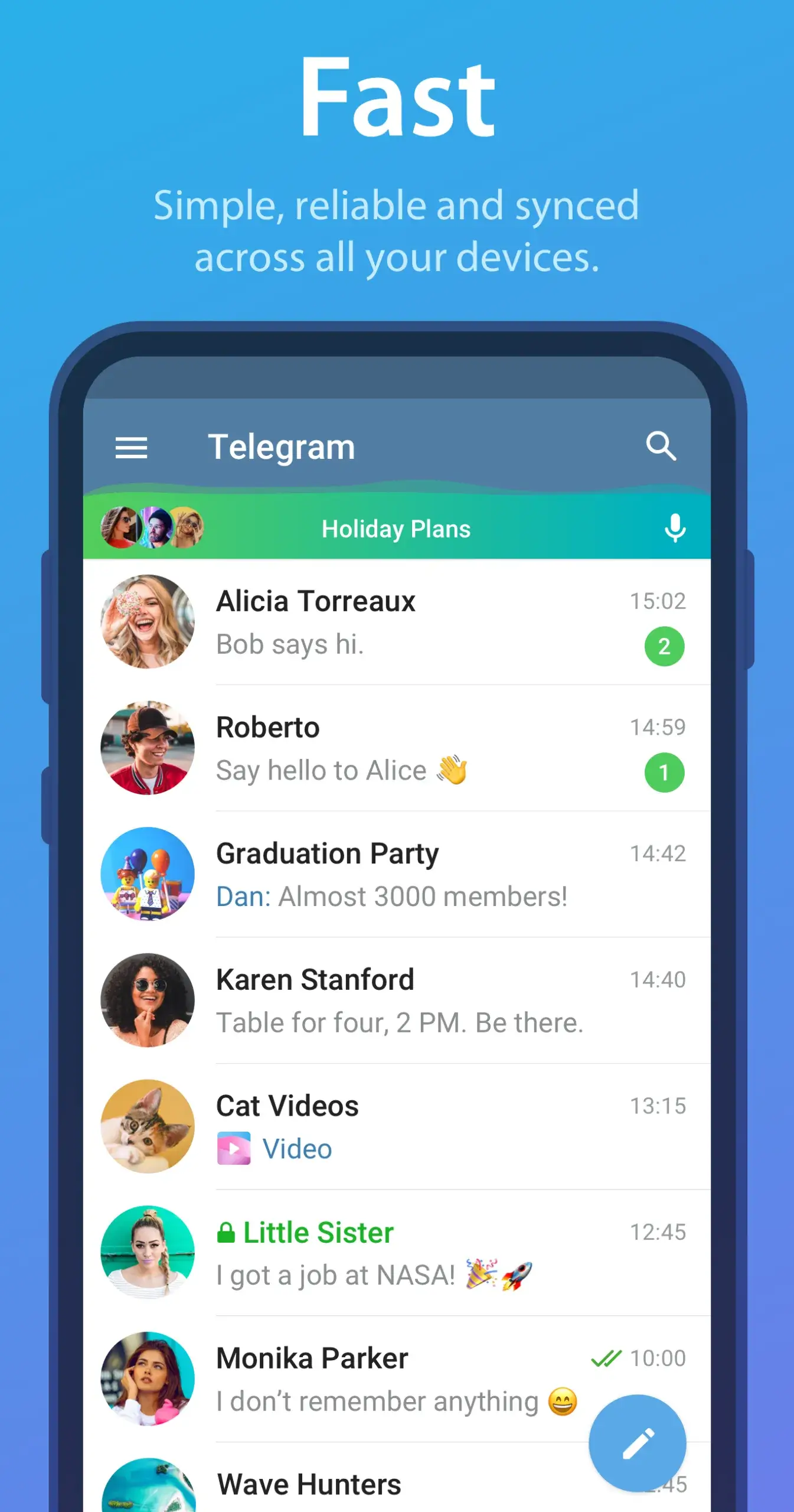
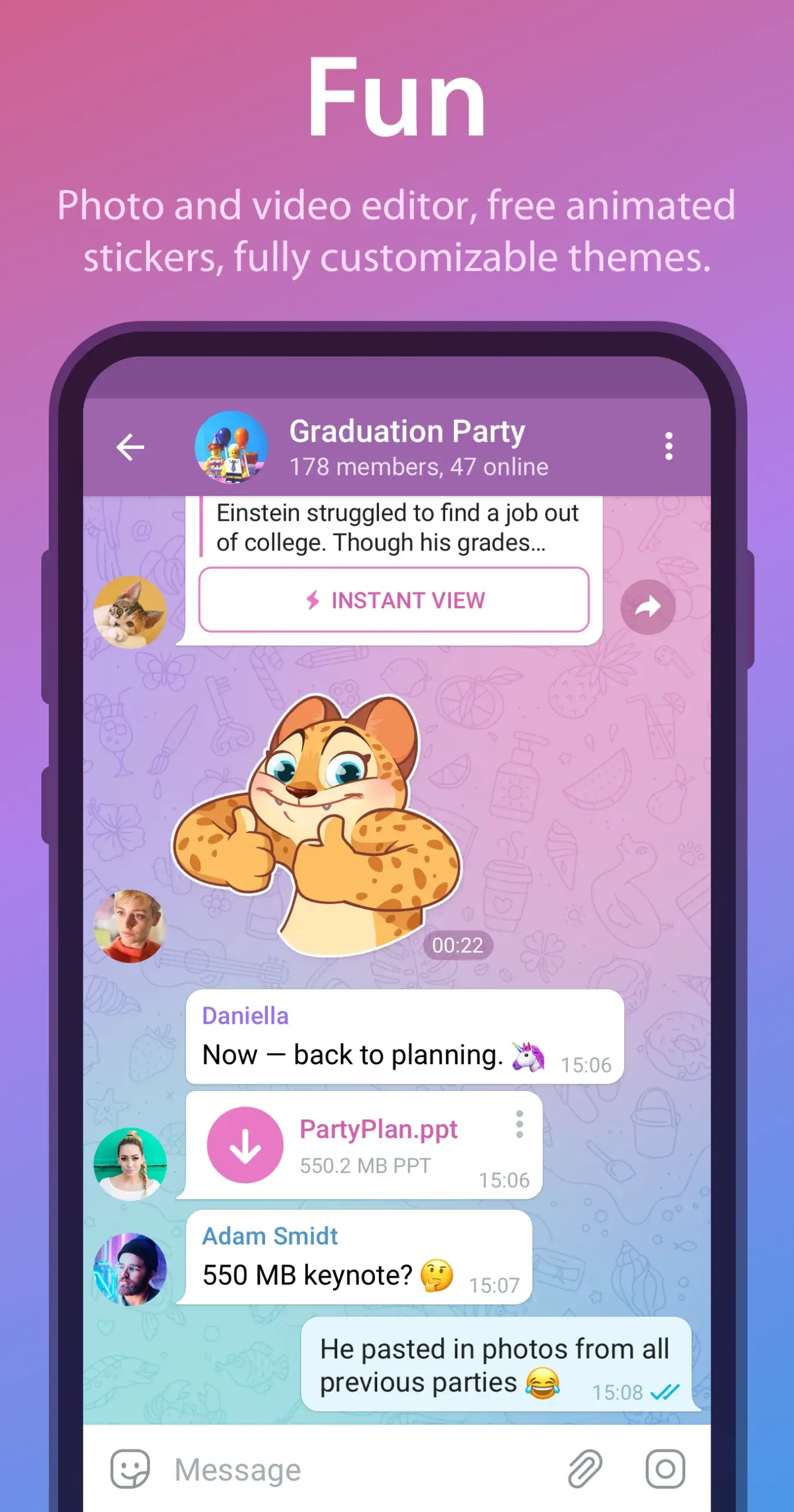

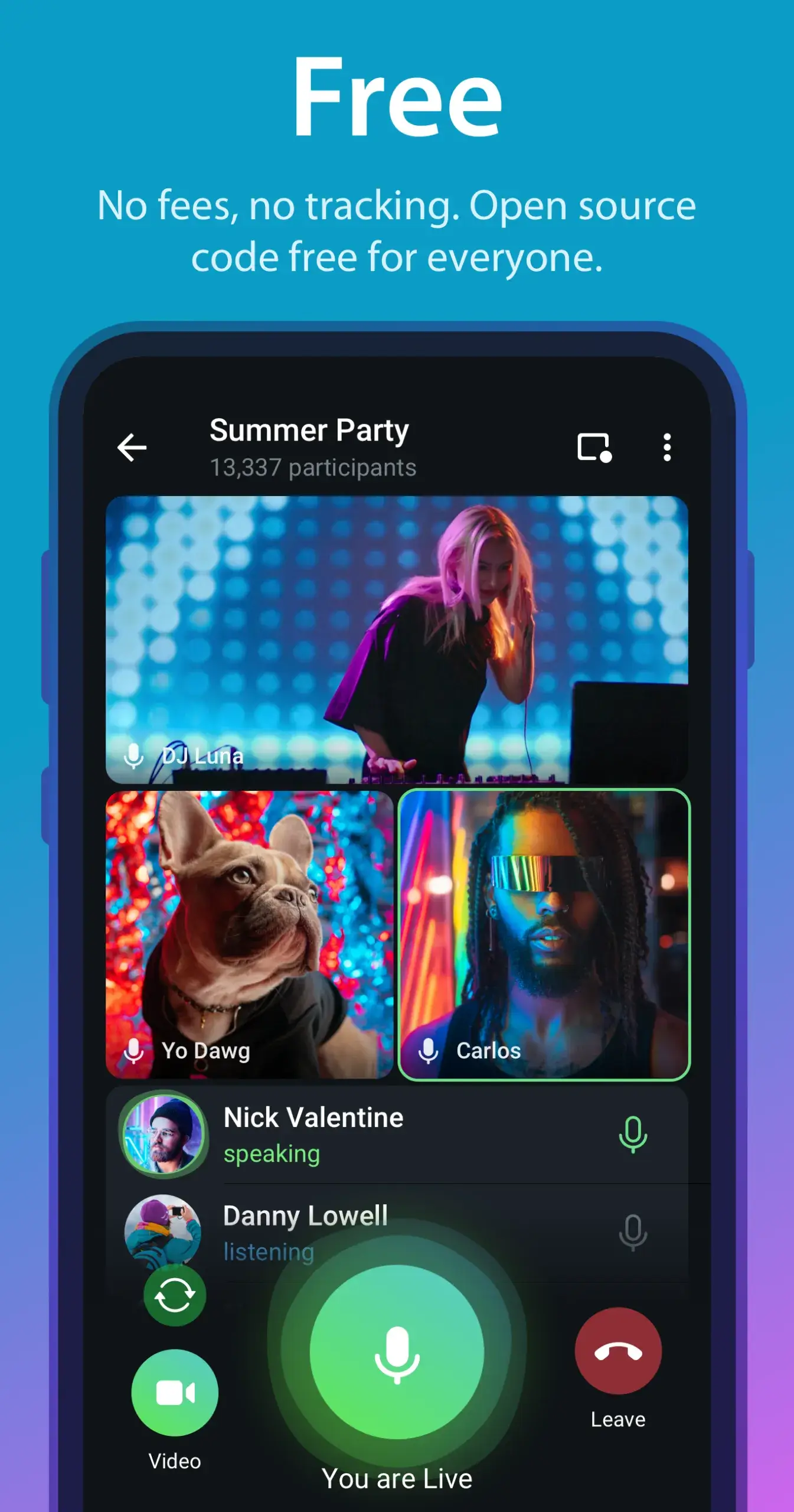
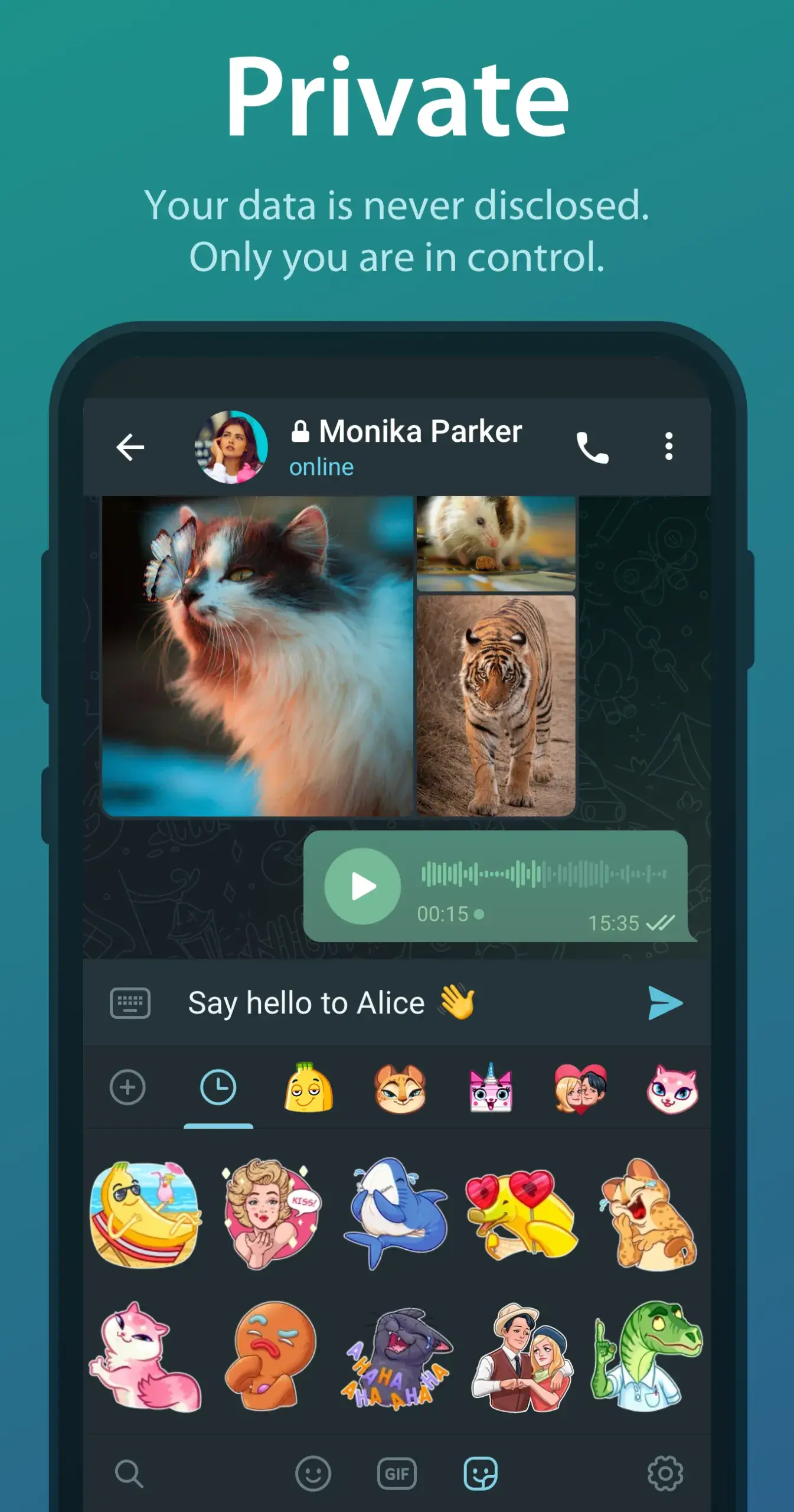
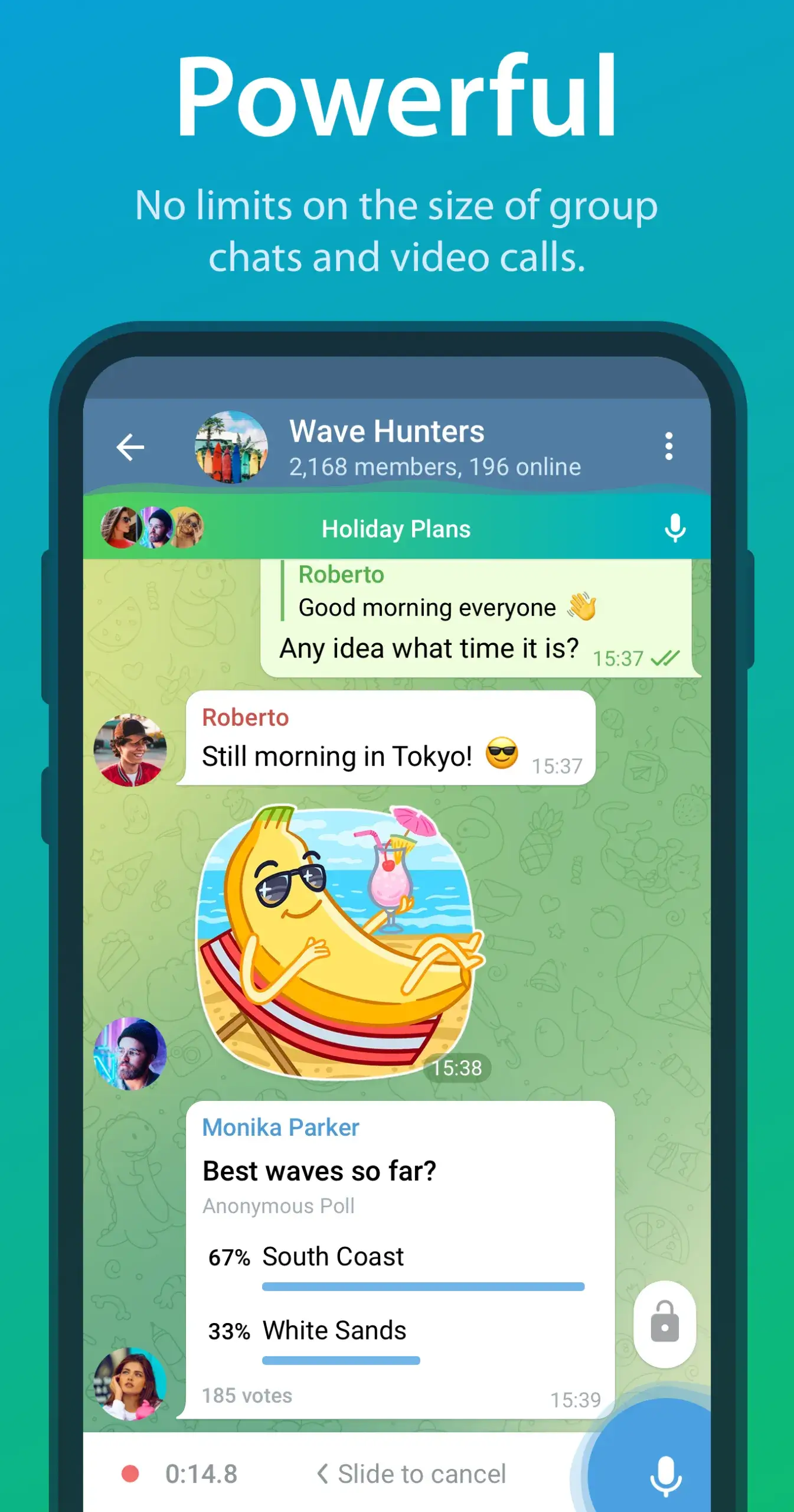
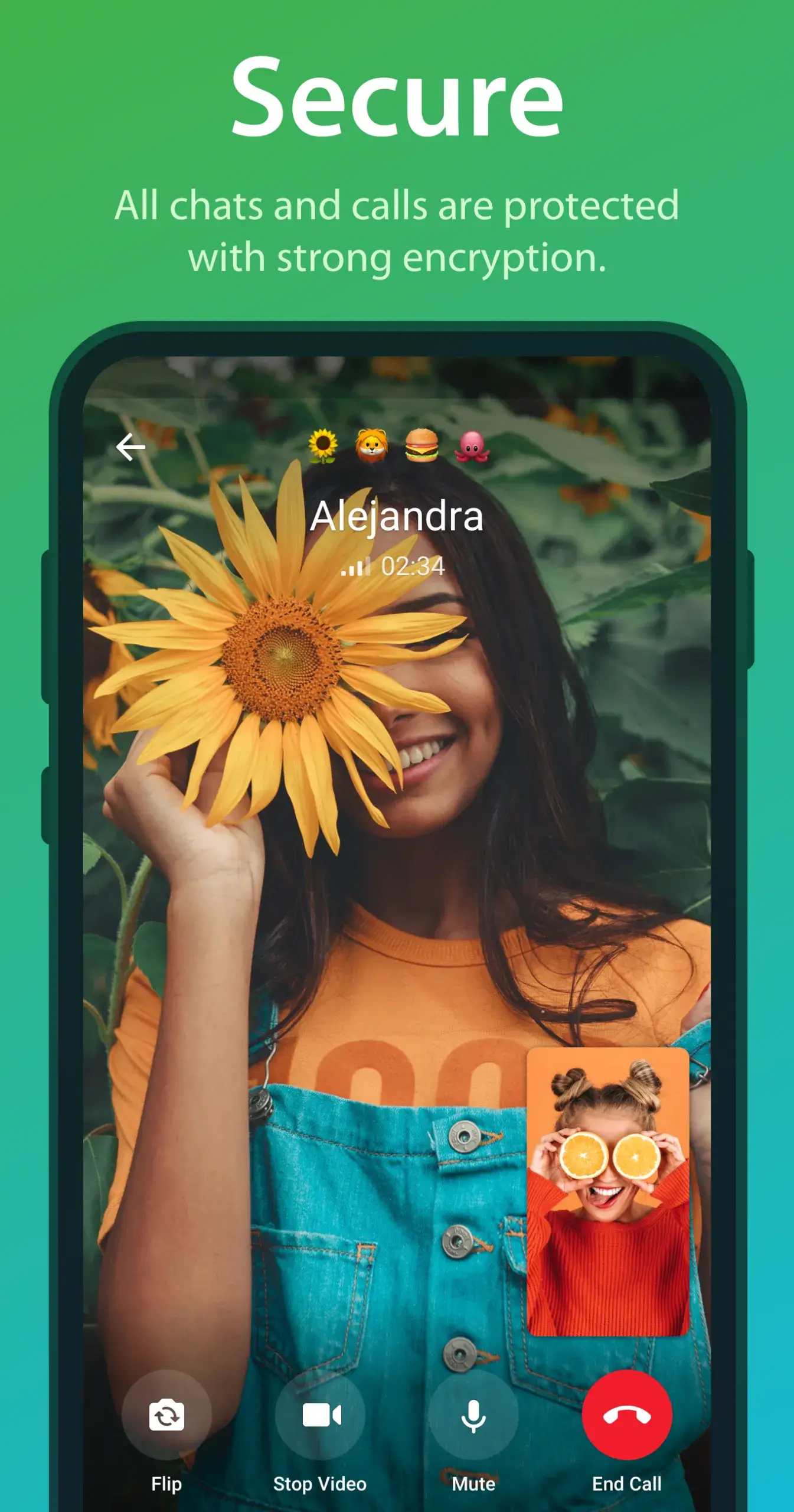
Telegram APK is a messaging app built around speed, privacy and cloud sync. Instead of tying your chats to one handset, it keeps them on Telegram’s servers. You can open the same conversations on your phone, tablet, laptop or a web browser, and pick up exactly where you left off.
Beyond one-to-one chat, Telegram covers almost everything people need from a modern messenger: huge group chats, broadcast channels, voice and video calls, and file sharing with almost no size limits. The interface stays clean despite all those features, so new users can get going in minutes.
Telegram runs on Android, iOS, Windows, macOS and Linux, and your account works on all of them at once. That cross-platform reach is a big part of why it has become one of the most widely used messaging apps in the world.
Features of Telegram for Android
Telegram packs a lot into one app without slowing down. These are the features that stand out:
- Massive group chats: Groups can hold up to 200,000 members, with admin roles, slow mode, topics and pinned messages to keep things organized.
- Broadcast channels: Channels let you publish posts to an unlimited number of subscribers, which makes them popular with news outlets, creators and communities.
- Send any file: You can share photos, videos, documents, ZIP archives and APKs of up to 2 GB each. Files sent as documents keep their original quality.
- Cloud sync: Your chats and media are stored in the cloud. If you lose or replace your phone, everything is still there when you log in again.
- Secret chats: Secret chats are end-to-end encrypted, stay on one device, and can self-destruct after a timer you choose.
- Voice and video calls: You can make one-to-one calls or start group voice and video chats over Wi-Fi or mobile data.
- Bots and mini apps: Bots handle polls, reminders, downloads, translations and more, and some services run as full mini apps inside Telegram.
- Personalization: You can change themes, colors and chat wallpapers, sort chats into folders, and add your own stickers and animated emoji.
Pros and Cons of Telegram
Pros
- Fast everywhere: Messages arrive quickly, even on weak or unstable connections.
- Multi-device by design: You can use one account on several devices at the same time, with instant sync.
- Room to grow: Large groups and unlimited-subscriber channels suit both small circles and big audiences.
- Generous file limits: Telegram handles big files that other messengers would reject or compress.
- Smart notifications: You can mute busy chats and still get alerted for mentions and replies.
- Free to use: Calls, groups, channels and cloud storage cost nothing. Premium is optional.
Cons
- Default chats aren’t end-to-end encrypted: Only secret chats are, so privacy-focused users may prefer Signal.
- Feature overload: All the tools in one place can feel crowded at first.
- Secret chats don’t sync: They’re tied to one device and don’t appear on your other logins.
- Contact discovery is limited: Finding people usually means knowing their number or username.
FAQs About Telegram for Android
Q: What is Telegram APK?
A: It’s the Android installation file for Telegram, the messaging app founded by Pavel and Nikolai Durov, who previously created the Russian social network VKontakte. Installing the APK gives you the same app as the store version, and it also lets you install or update manually.
Q: Is Telegram free?
A: Yes. All core features are free. Telegram Premium is an optional subscription that adds 4 GB uploads, faster downloads, voice-to-text and extra stickers.
Q: How do I start using Telegram?
A: Install the app and enter your phone number. Then type in the verification code Telegram sends you and add your name and photo. You can also set a unique username so people can find you without your number. To start a chat, tap the pencil icon and pick a contact, or search for a username.
Q: Can I delete a message after sending it?
A: Yes. Long-press the message, tap Delete, and choose to remove it for everyone in the chat.
Q: Will I lose my chats if I reinstall?
A: No. Regular chats come back automatically when you log in. Only secret chats are lost, because they’re stored on the original device.
How to Install Telegram APK
- Tap the Download button to save the APK file.
- If prompted, allow your browser or file manager to install unknown apps.
- Open the downloaded file and tap Install.
- Launch Telegram and log in with your phone number.
Concluson
Telegram has earned its place as one of the most capable messengers on Android. It’s fast, works across every device you own, and handles everything from private chats to communities of hundreds of thousands. Add big file sharing, bots and deep customization, and it’s an easy recommendation for anyone who wants more than a basic chat app.